

Download 1 Second Everyday Journal – Video Diary, Daily Recording, Personal Timeline
Overview
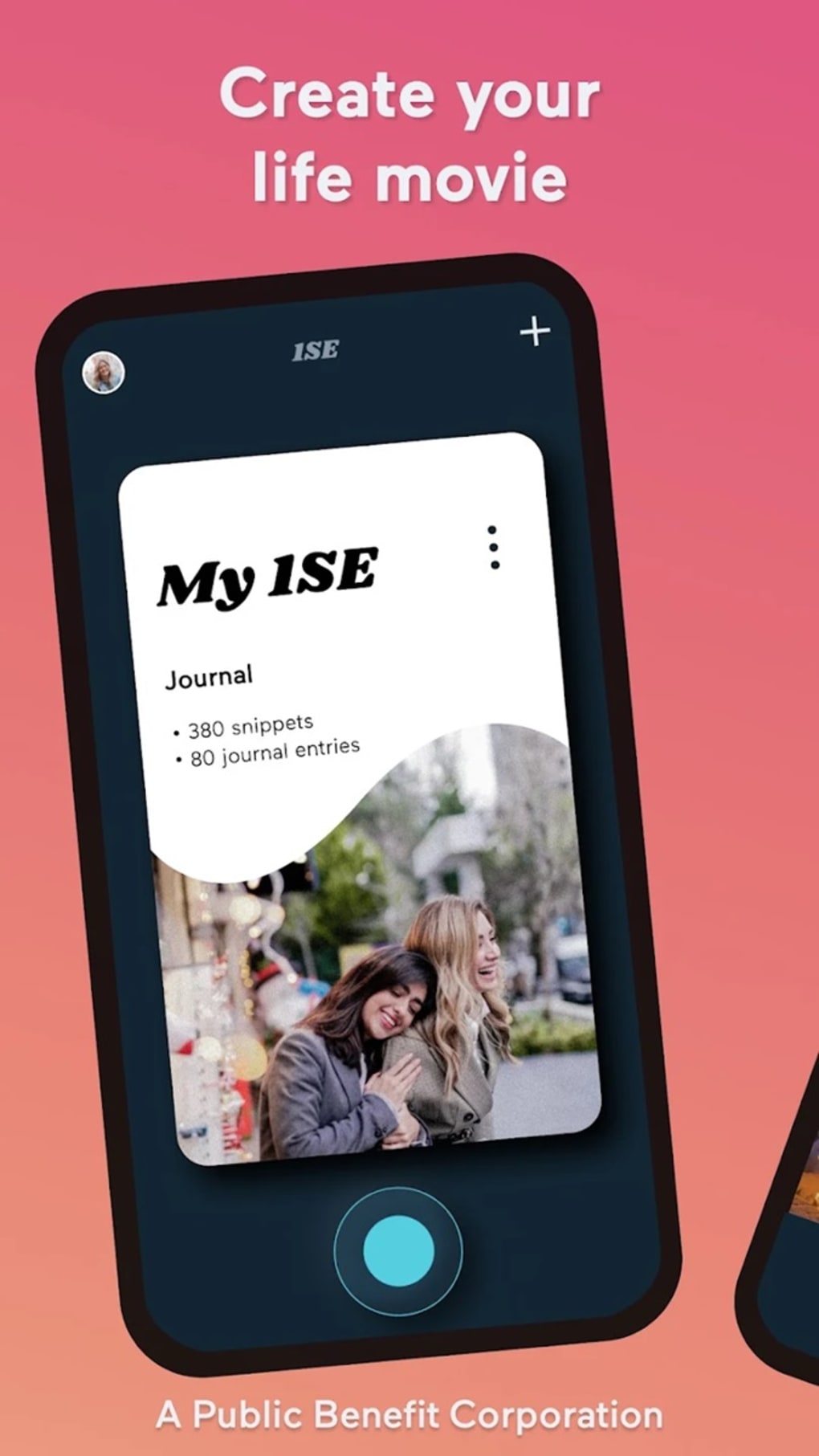
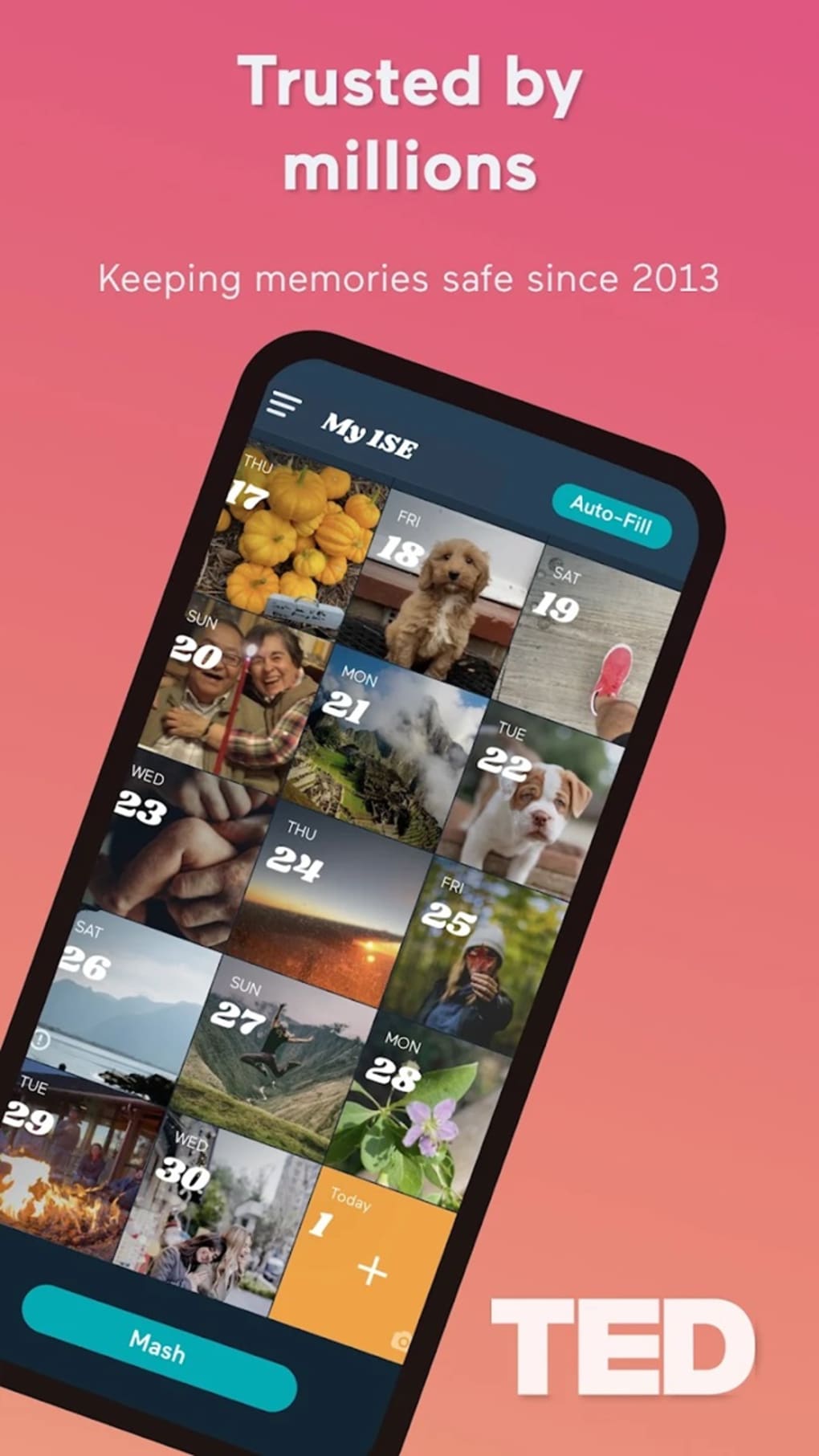
The 1 Second Everyday Journal is a multimedia application designed to help users document their lives through one-second video clips recorded daily. This tool enables individuals to build a personalized video diary by capturing brief, meaningful moments over time, creating a chronological visual narrative of their personal journey. The app is particularly suited for individuals seeking a simple, consistent method to reflect on their daily experiences, track personal growth, or preserve memories in a structured format.
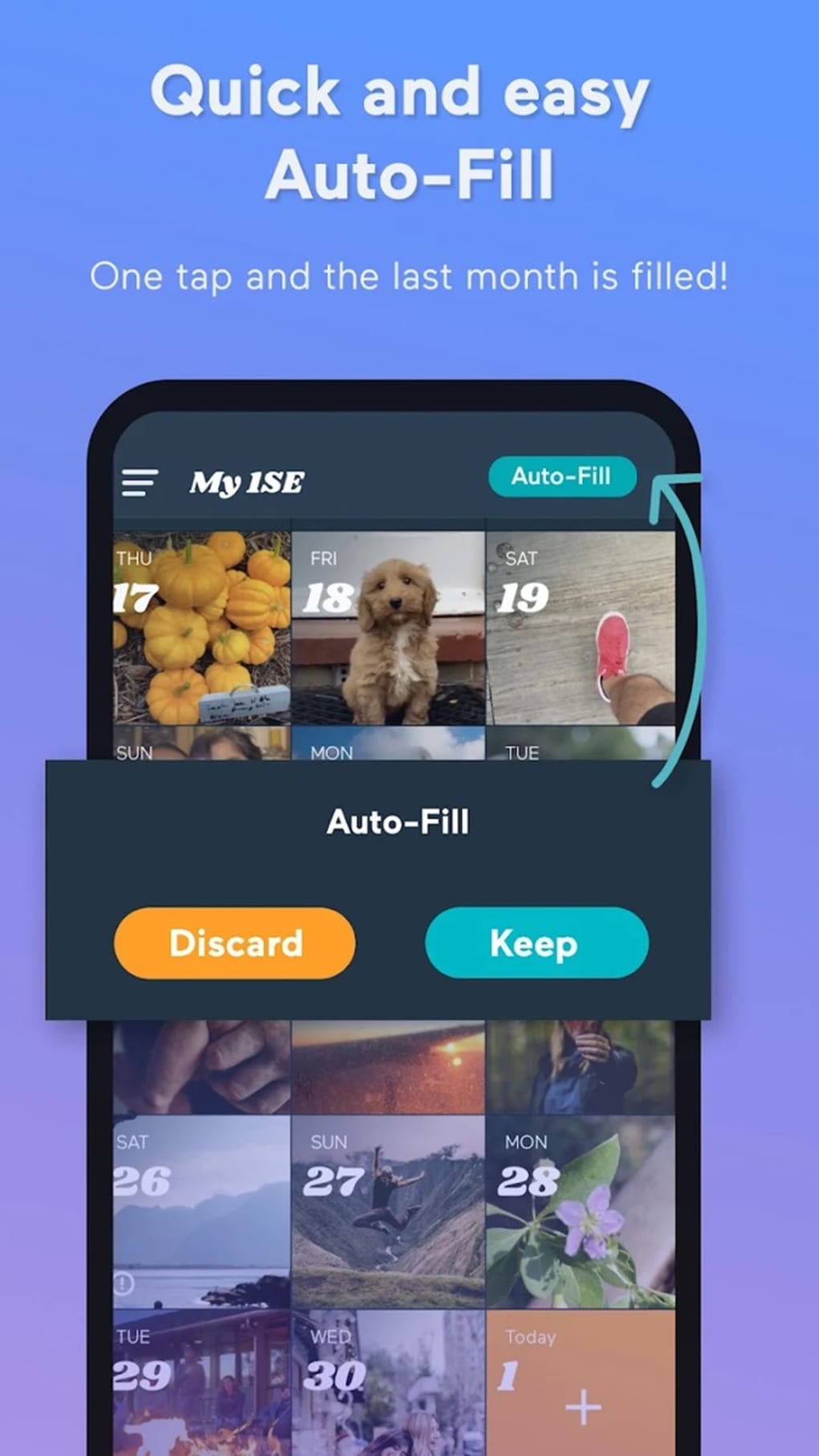
It serves as a digital journaling solution for users who value mindfulness, self-awareness, and long-term memory preservation. The application supports both in-app recording and selection of one-second segments from existing media on the device, offering flexibility in content creation. Each clip is automatically timestamped, ensuring accurate chronological alignment within the user’s timeline. The app also includes alarm reminders to encourage daily use and maintain consistency.
Designed with accessibility in mind, the interface is intuitive and requires minimal learning, making it suitable for users across age groups and technical skill levels. While the developer did not provide additional details about the organization’s background, the app’s purpose is clearly rooted in personal documentation and digital storytelling. Real-world use cases include daily reflection, parenting journals, fitness tracking, creative projects, and memory preservation for older adults.
Key Features & Capabilities
- Daily One-Second Video Capture: Users can record a one-second video directly within the app, promoting a consistent habit of daily documentation without time commitment.
- Media Library Integration: The app allows users to select a one-second segment from existing videos stored on their device, enabling reuse of pre-recorded footage.
- Automatic Timestamping: Each recorded clip is automatically tagged with the date and time of creation, ensuring accurate chronological organization.
- Daily Reminders via Alarms: Built-in alarm functionality helps users stay consistent by sending daily notifications to record their moment.
- Multiple Timelines: Users can create and manage several distinct timelines, ideal for organizing content by theme, project, or life phase.
- Direct Social Sharing: Clips can be shared directly to popular social media platforms, supporting quick dissemination of personal stories.
- Subscription-Based Advanced Features: Enhanced capabilities such as unlimited projects, music integration, watermark removal, and extended clip duration are available through a premium subscription.
These features collectively support a seamless workflow for building a visual diary. For example, a user might record a one-second clip of their morning coffee, later combining it with other moments to visualize a week of routines. The ability to create multiple timelines allows for separation of work-related progress from personal milestones. The integration of alarms ensures sustained engagement, while the sharing function enables users to connect their experiences with friends and family.
User Interface, Workflow & Performance
The 1 Second Everyday Journal features a clean, minimalistic user interface focused on simplicity and ease of use. Navigation is structured around core functions: recording, viewing timelines, managing clips, and sharing. The layout is intuitive, with clear icons and straightforward menu access, allowing users to perform actions without confusion.
Workflow efficiency is enhanced by the app’s streamlined process: open the app, tap to record or select a clip, confirm the timestamp, and save. The daily alarm system further reduces friction in maintaining consistency. Users can quickly access their timelines, view clips in chronological order, and manage their content with minimal steps.
Performance observations are based on general software behavior patterns. The app is designed for mobile platforms, and its lightweight nature suggests efficient resource usage. However, the developer did not specify resource usage details. Stability is expected to be consistent given the app’s focused scope, though real-world performance may vary depending on device capabilities. No information was provided regarding CPU or RAM consumption.
Compatibility & System Requirements
The 1 Second Everyday Journal is available for both iOS and Android operating systems. The current version is 1.2.3, with a file size of 45 MB, indicating a lightweight installation. The application is designed for mobile devices, and its compatibility with specific iOS and Android versions was not specified.
Exact system requirements were not listed. Users should ensure their device meets standard mobile application requirements for performance and storage. The developer did not provide additional details regarding hardware specifications or compatibility with tablets, wearables, or desktop systems. Installation is straightforward, with no reported issues related to setup or configuration.
Pros and Cons
Pros
- Simple, consistent method for daily personal documentation
- Intuitive interface suitable for all user levels
- Automatic timestamping ensures accurate timeline organization
- Supports both in-app recording and media library selection
- Alarm reminders promote habit formation
- Multiple timelines allow for organized content management
- Direct sharing to social platforms enhances accessibility
Cons
- Advanced features require a premium subscription
- Limited to one-second clips without upgrade
- No information on backup or cloud sync options
- Restricted to mobile platforms; no desktop version available
- File size and performance details not publicly disclosed
FAQ Section
Is 1 Second Everyday Journal available for Windows or Mac?
The app is currently only available for iOS and Android devices. There is no desktop version for Windows or Mac.
Is the app free to use?
Yes, the app is free to download and use. However, certain advanced features such as unlimited projects, music integration, and watermark removal are accessible only through a premium subscription.
Can I use my own videos from the device library?
Yes, the app allows users to select a one-second segment from videos stored on their device, providing flexibility in content creation.
Does the app support offline usage?
Yes, the app functions without an internet connection for recording, viewing, and managing clips. However, sharing to social media requires an active connection.
How often does the app update?
The app was last updated on June 15, 2024. The developer has not specified a regular update schedule, but users can expect new features and improvements through future releases.
Final Thoughts + CTA
The 1 Second Everyday Journal offers a thoughtful, accessible approach to personal storytelling through daily video documentation. Its minimalist design and straightforward workflow make it ideal for users seeking a low-effort yet meaningful way to preserve life’s small moments. While core functionality is robust and free, the restriction to one-second clips and the need for a subscription to unlock advanced tools may limit its appeal for power users.
Nonetheless, for individuals focused on mindfulness, memory preservation, or creative journaling, the app delivers significant value. The ability to create multiple timelines, receive daily reminders, and share moments instantly adds depth to the experience. The developer’s focus on consistency and simplicity stands out in a crowded digital journaling space.
Download 1 Second Everyday Journal now and start building your personal visual timeline—one second at a time.





.png)

